Profiles that follow your app
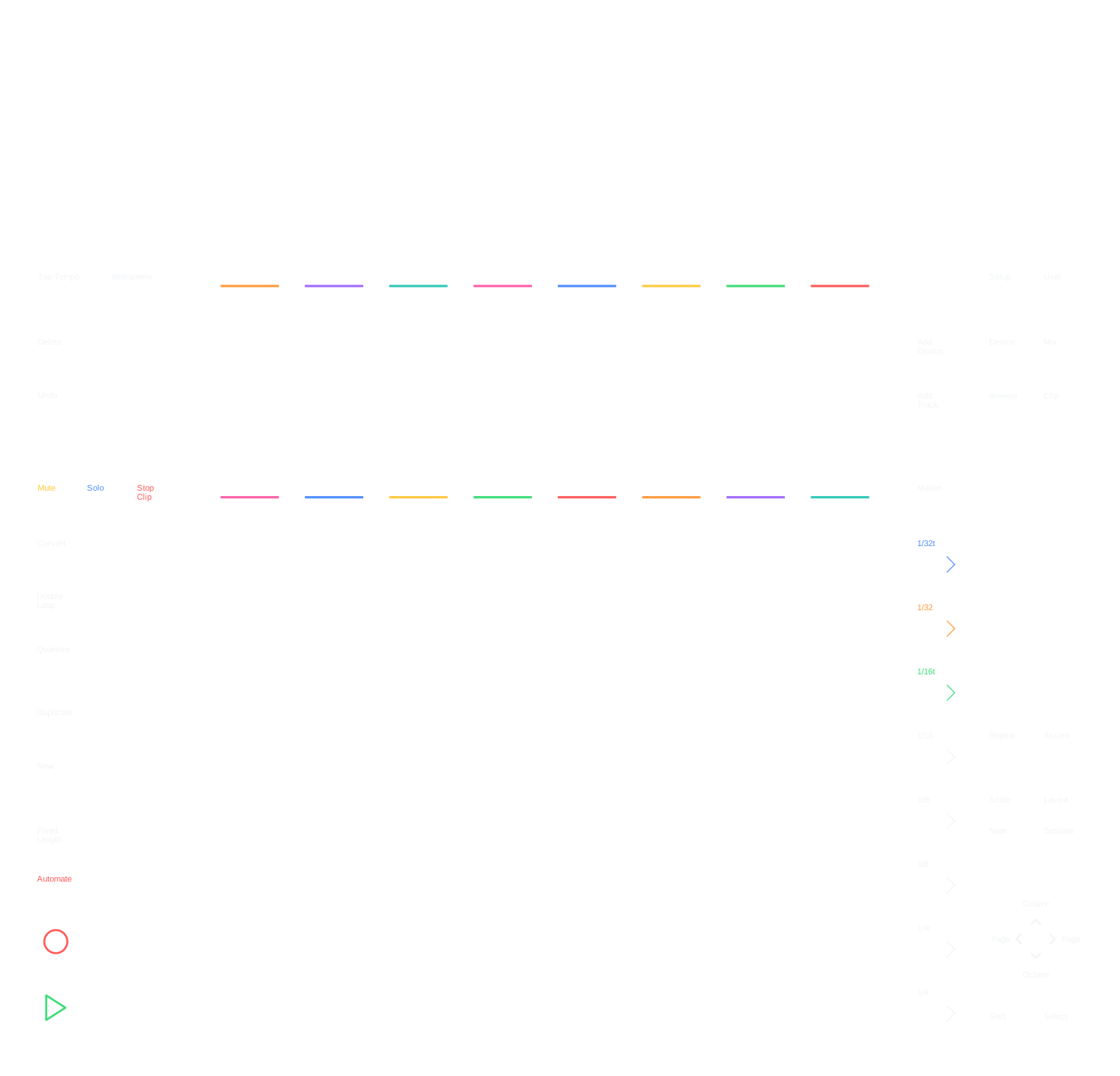
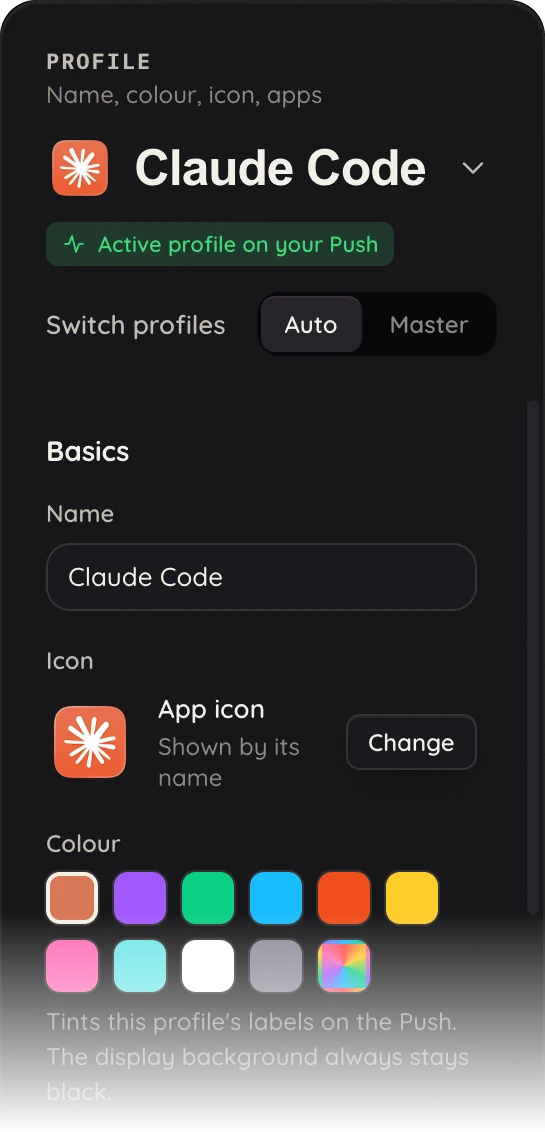
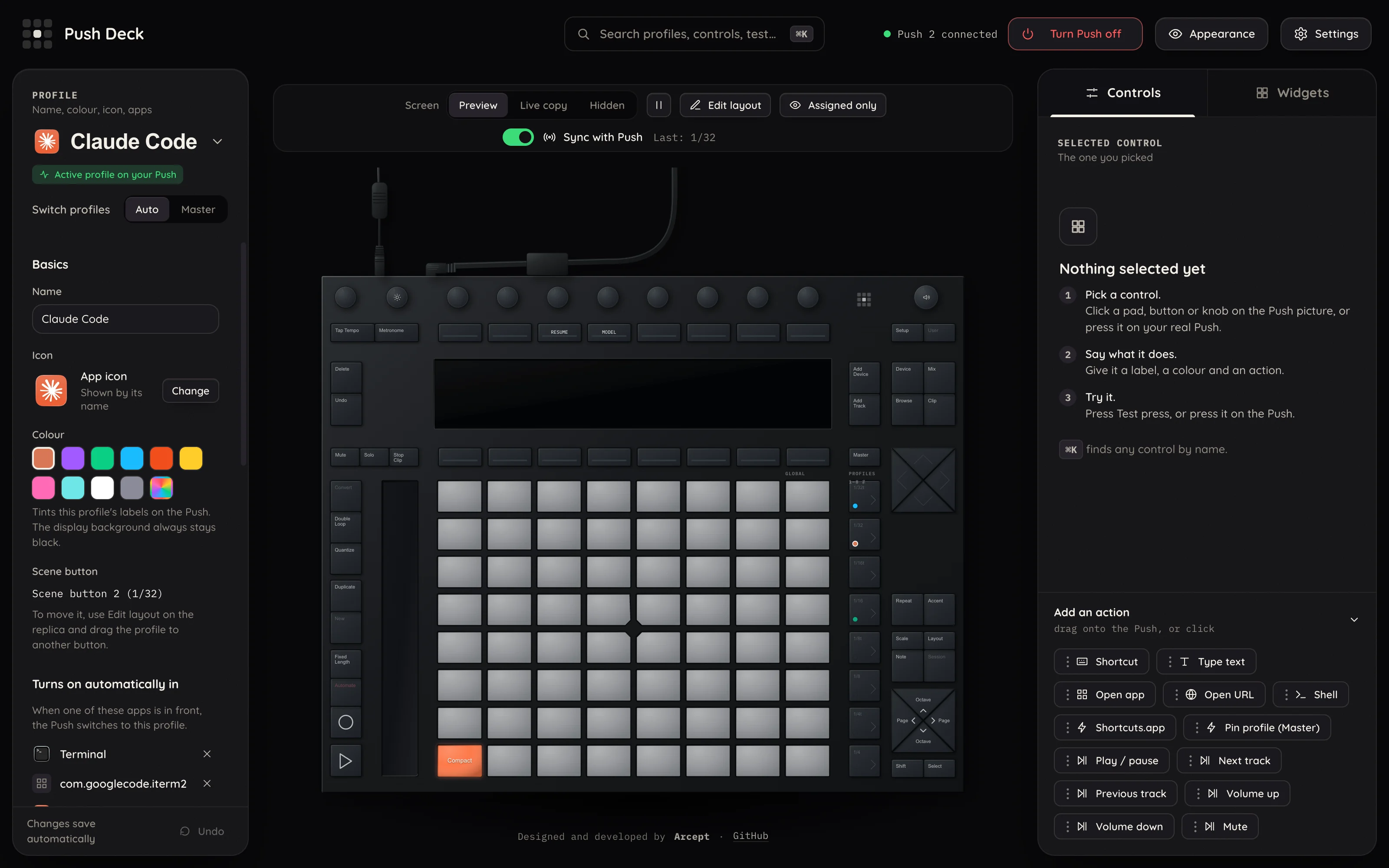
Pads, buttons and encoders run shortcuts, open apps and addresses, type text, or run Shortcuts and shell commands. The profile follows the app in front, or you pin one.
64 pads. Zero Ableton Live. Plenty of fun.
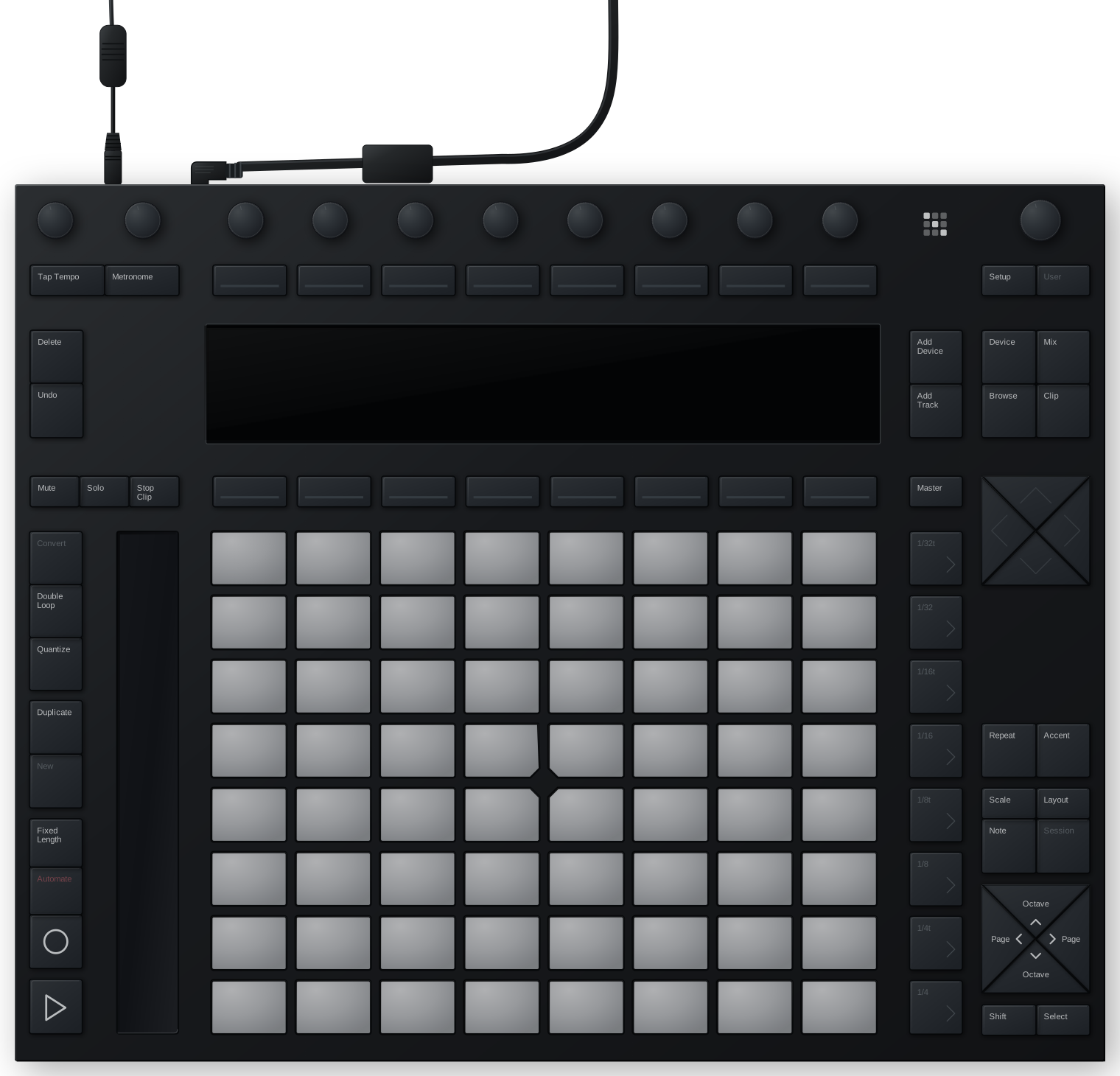
Plug in a Push 2 and it becomes a colourful controller for whatever you are doing, with a screen that shows what matters.
The app
Everything you set up here lands on the real device straight away.
Profiles
A live session on the display, with its mascot and usage meters. Pads send the keys you use every day.
The tab in front on your display. Pads open sites, switch tabs and run page shortcuts.
Usage at a glance and the shortcuts you reach for, the moment the app comes to the front.
Features
Pads, buttons and encoders run shortcuts, open apps and addresses, type text, or run Shortcuts and shell commands. The profile follows the app in front, or you pin one.
The 960×160 screen shows button labels, a grid of widgets (clock, timers, Claude and Codex usage, the browser's tab) and a media player with a visualizer.
A browser-style UI with a copy of your Push: click a pad to edit it, mirror the display, arrange widgets.
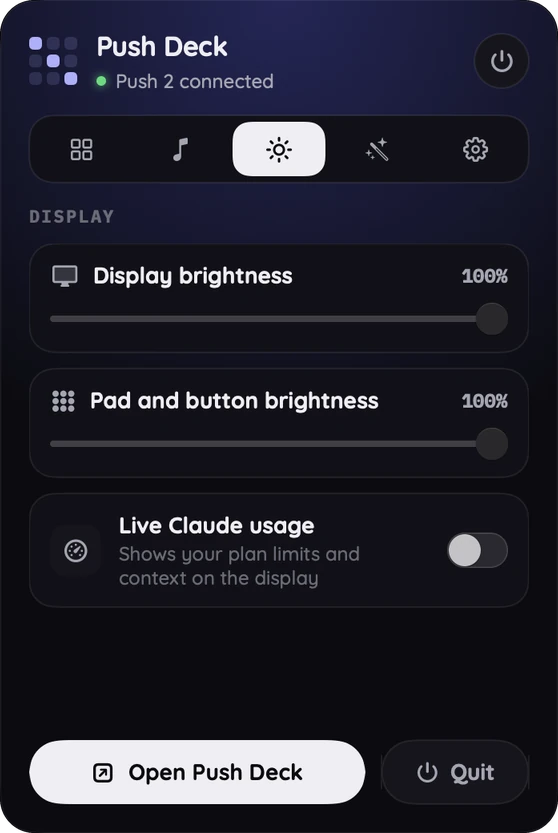
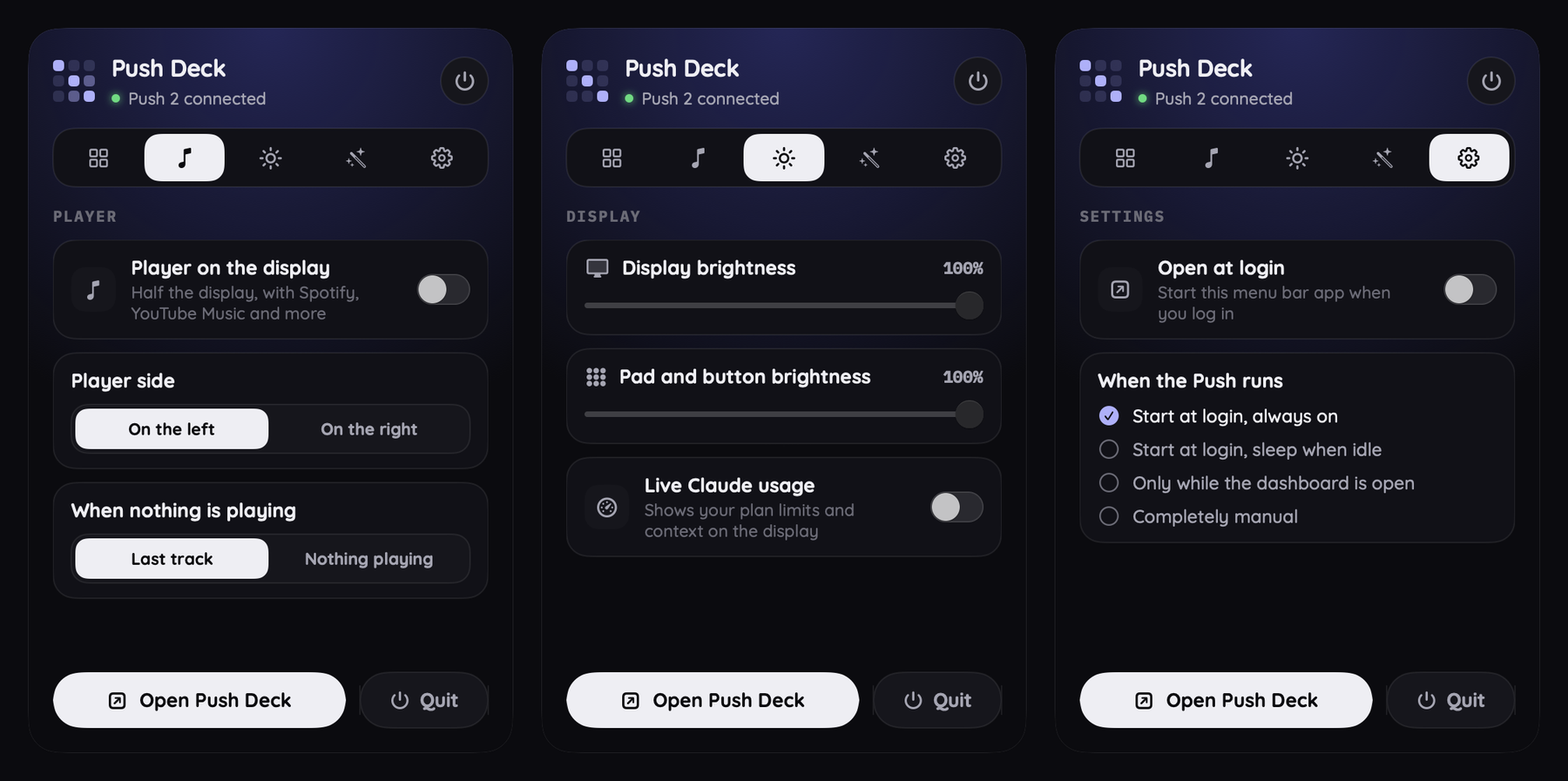
Pin a profile, open the window, set brightness and turn the Push on or off, without opening anything.
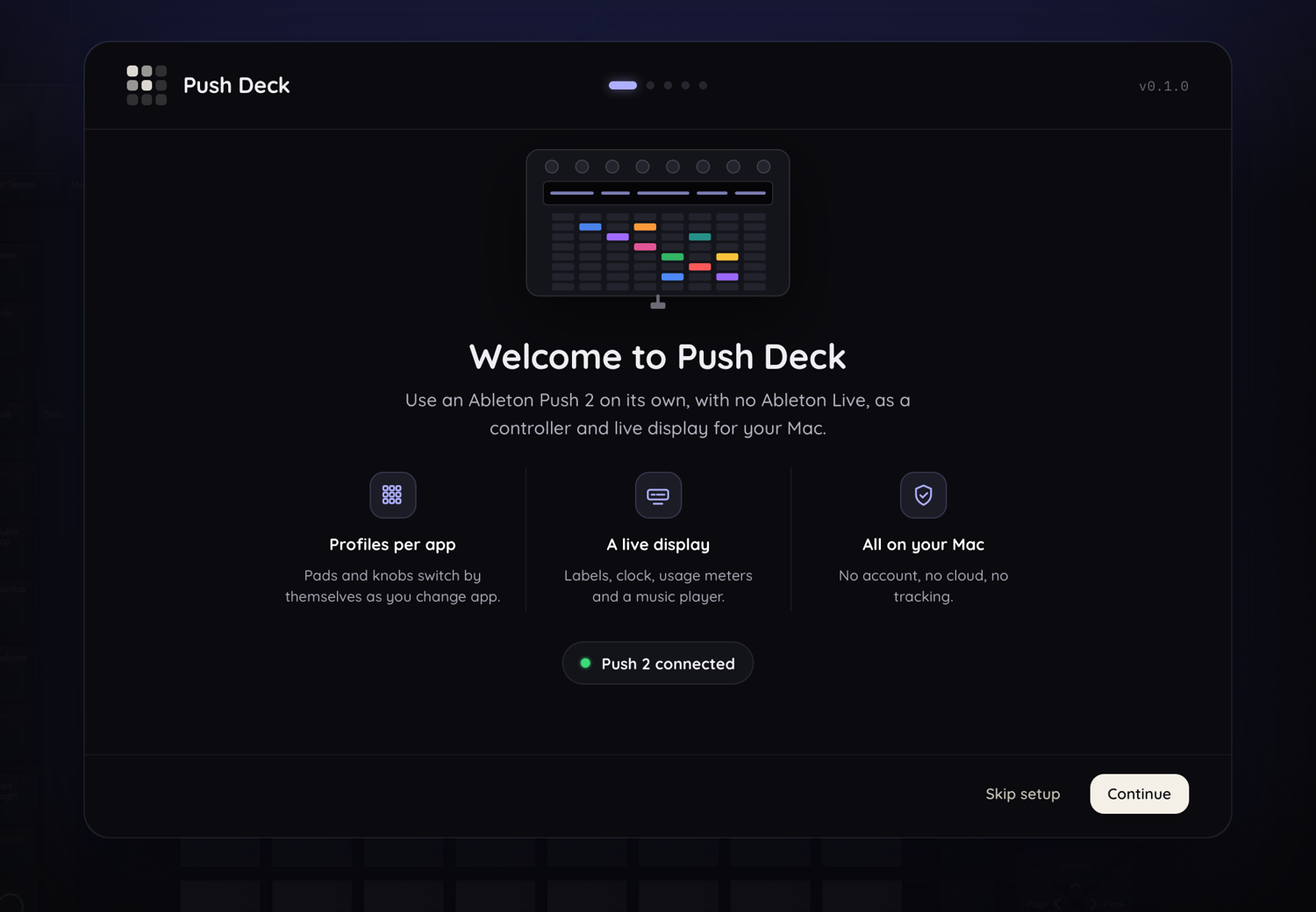
First-run setup checks your Push, explains each macOS permission in plain words and offers a short tour.
Runs on your Mac. No account, no cloud, no tracking. It listens on 127.0.0.1 only.
Privacy
Push Deck runs on your Mac and listens on 127.0.0.1 only. No account, no cloud, no tracking.
One optional feature touches a login: live Claude usage reads the Claude desktop app's sign-in from the macOS Keychain, in memory only. It asks first and can be switched off at any time.
Install
The .dmg from GitHub Releases. Drag Push Deck to Applications.
brew install --cask arcept/tap/pushdeckTap coming with the first release.
curl -fsSL https://raw.githubusercontent.com/arcept/pushdeck/main/get.sh | bashChecks the checksum. No security prompt.
./install.shWorks today. Clone the repo first.
Push Deck is signed ad hoc (no paid Apple Developer ID). A downloaded copy says “unidentified developer” once: right-click the app, choose Open, then Open. The one-line installer avoids this.