The replica
Click a pad. Say what it does.
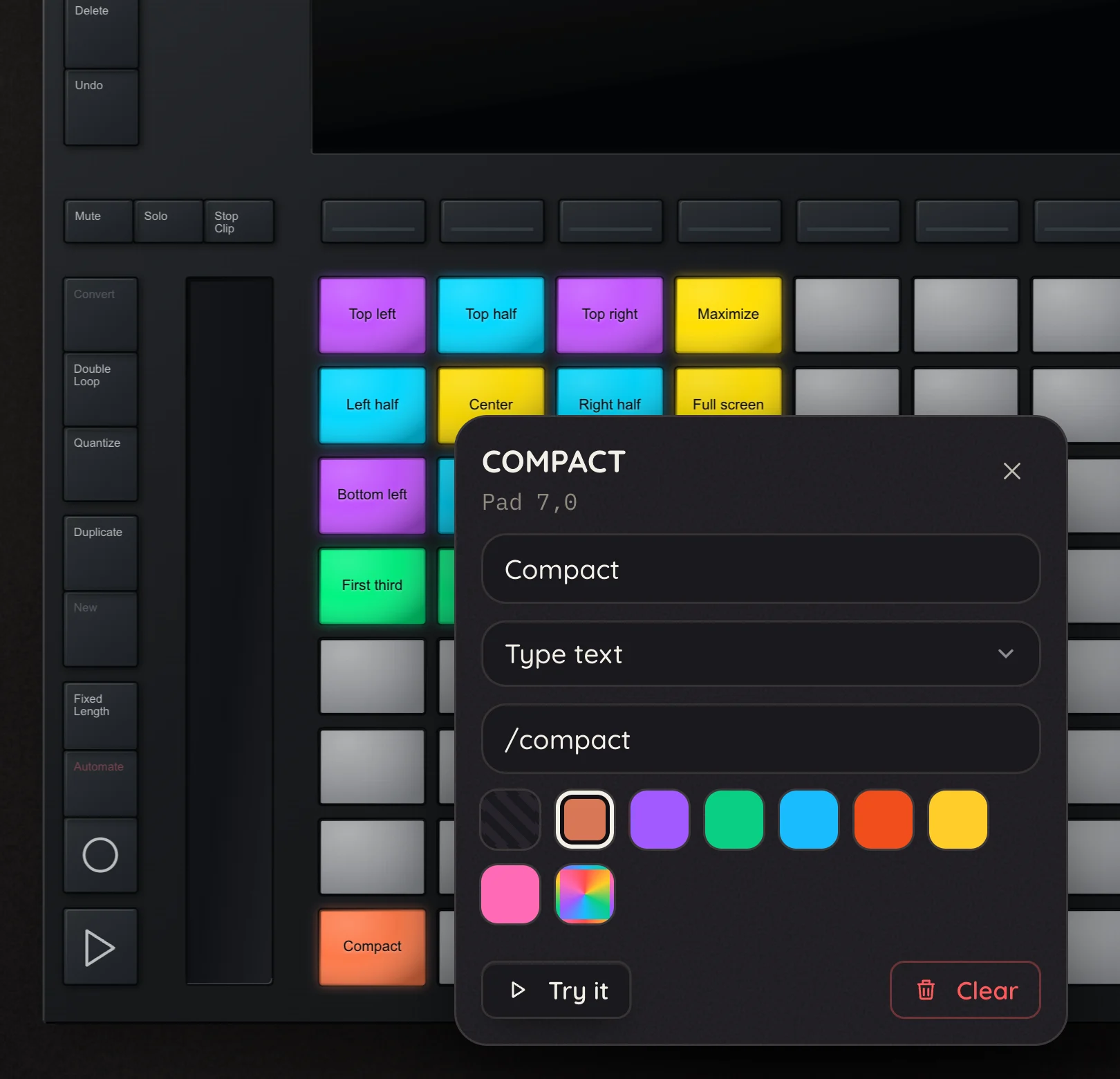
Pick any control on the replica and a little card pops up: a name, a colour, an action. That's the whole setup.
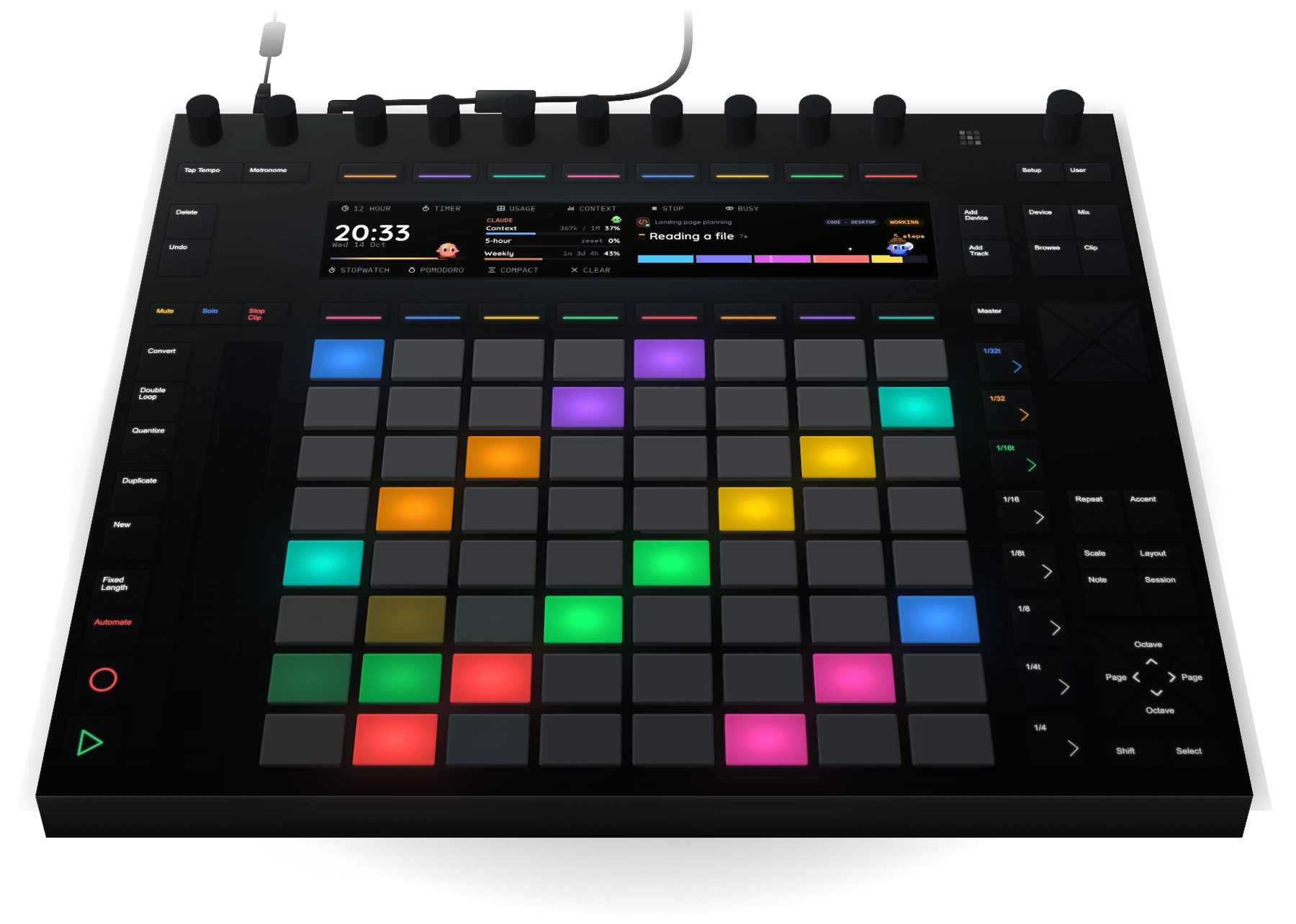
64 pads. Zero Ableton Live. Plenty of fun.
Plug in a Push 2 and it becomes a colourful controller for whatever you are doing, with a screen that shows what matters.
The app
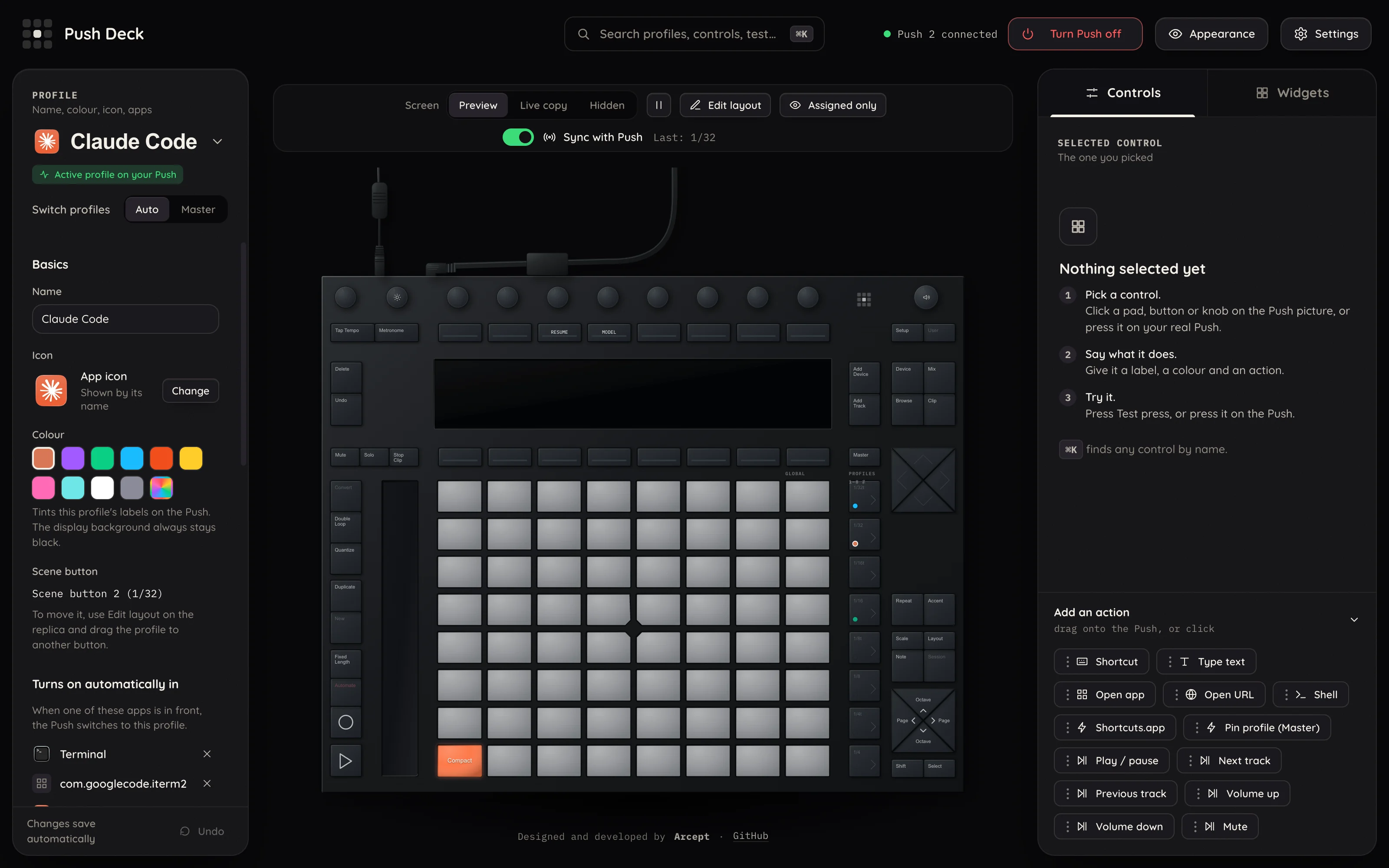
Everything you set up here lands on the real device straight away.
The replica
Pick any control on the replica and a little card pops up: a name, a colour, an action. That's the whole setup.
Drag and drop
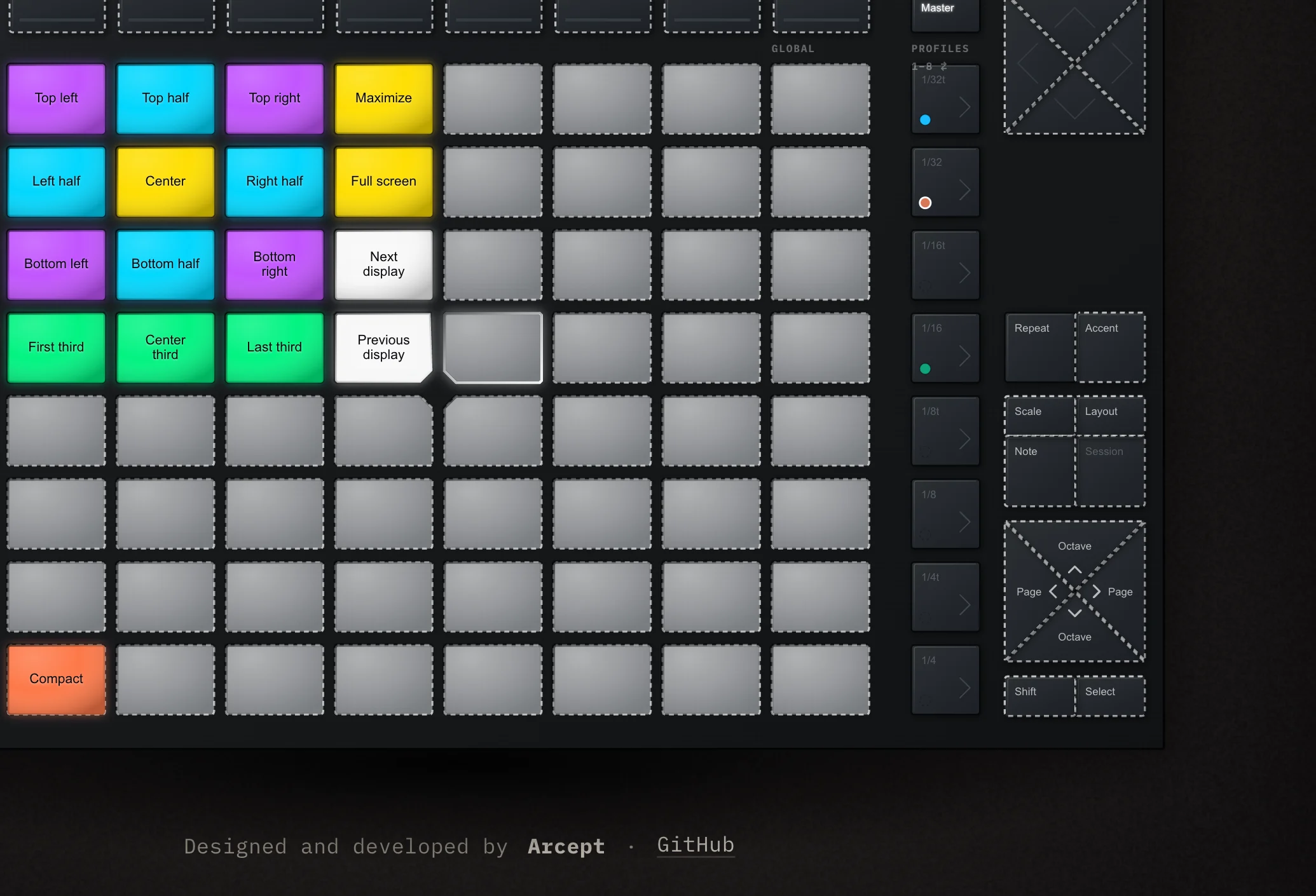
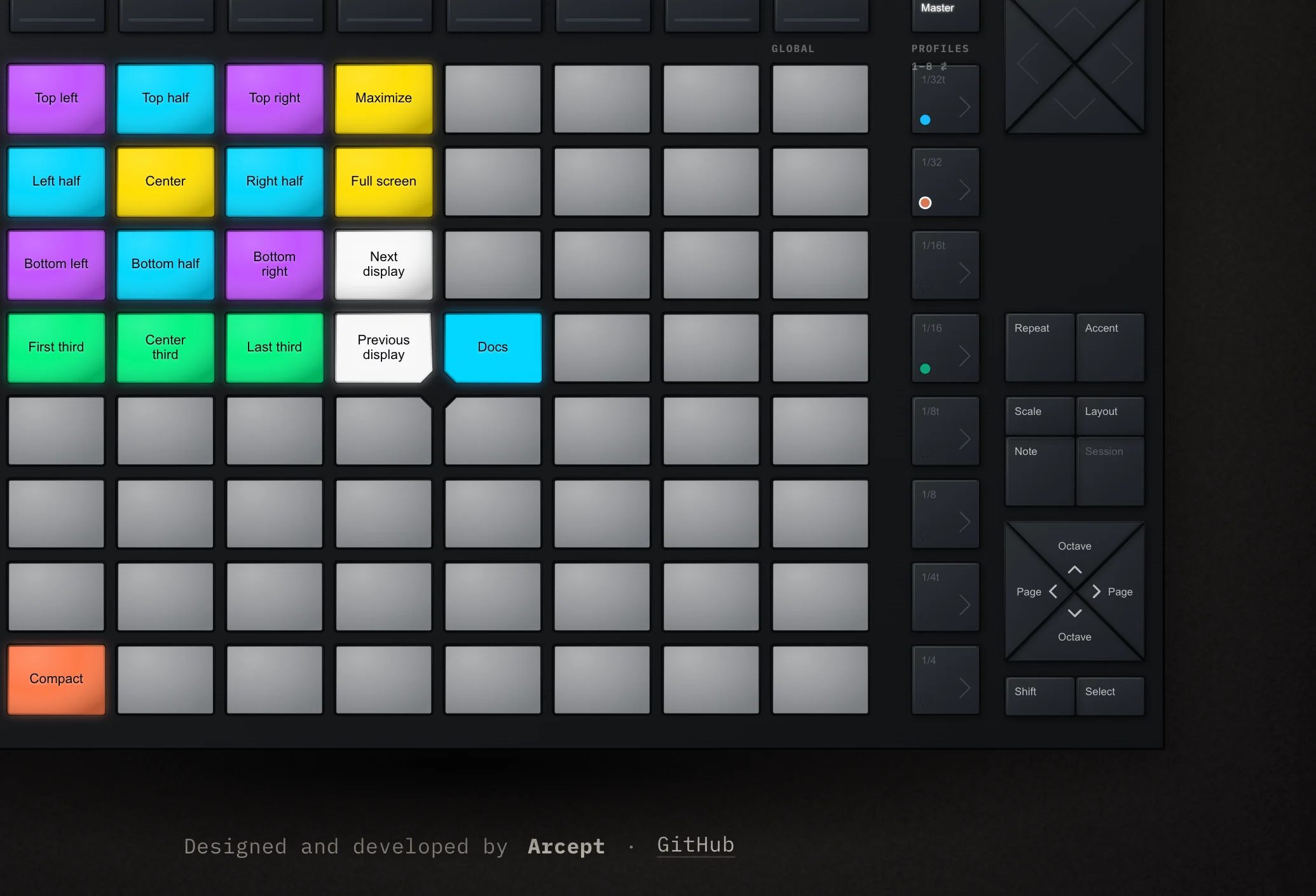
Shortcuts, links, apps, text, shell commands. Drag one onto the replica and the real Push has it right away.
Profiles
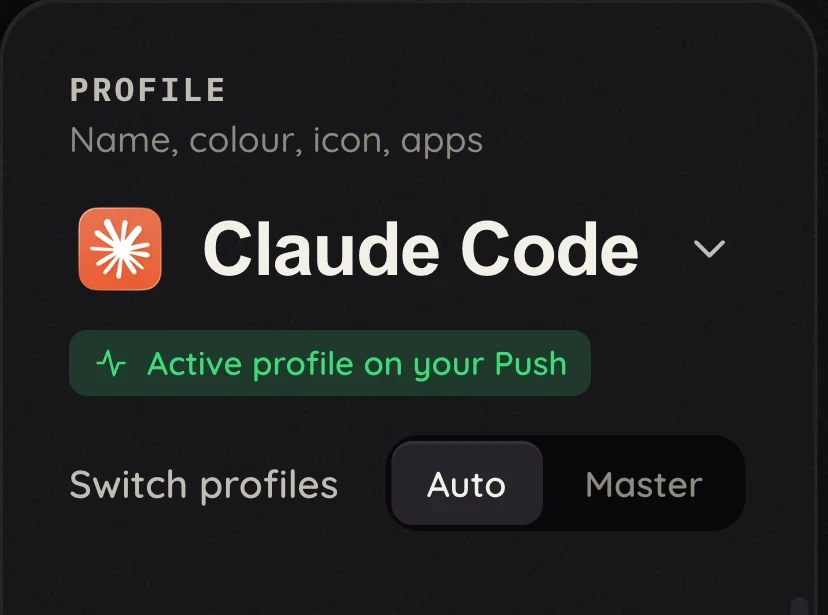
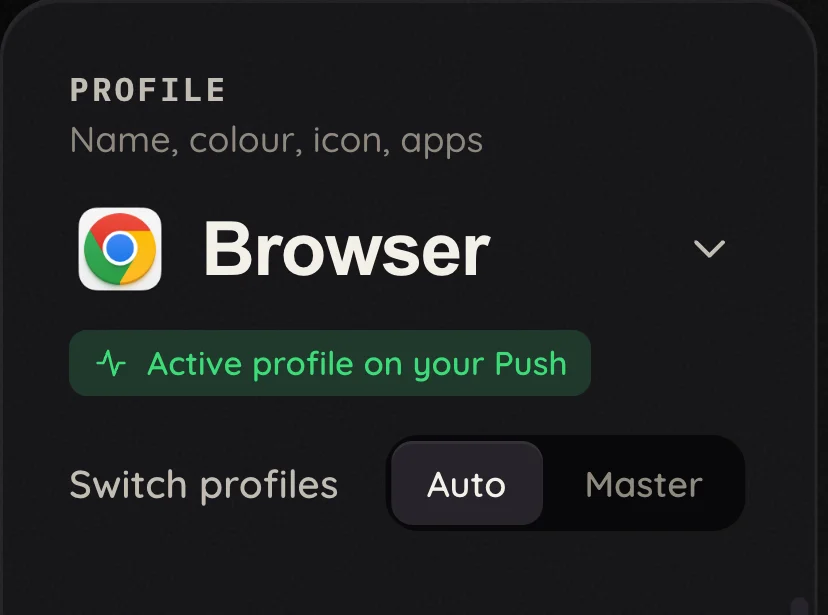
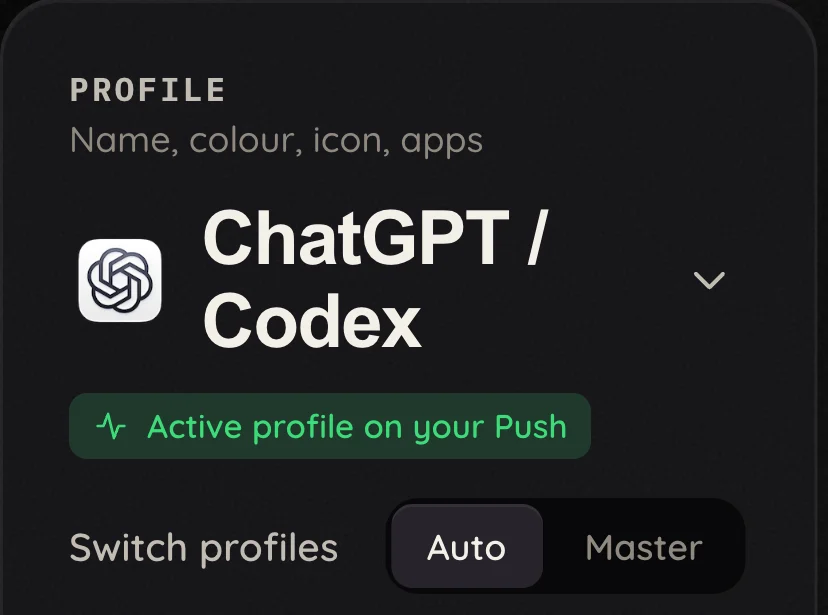
Auto switches profile as you change apps. Master pins one in place, whatever is in front.
Live display
Clock, timers, usage meters, the tab in front. Arrange the widgets on the replica and they appear on the real display.
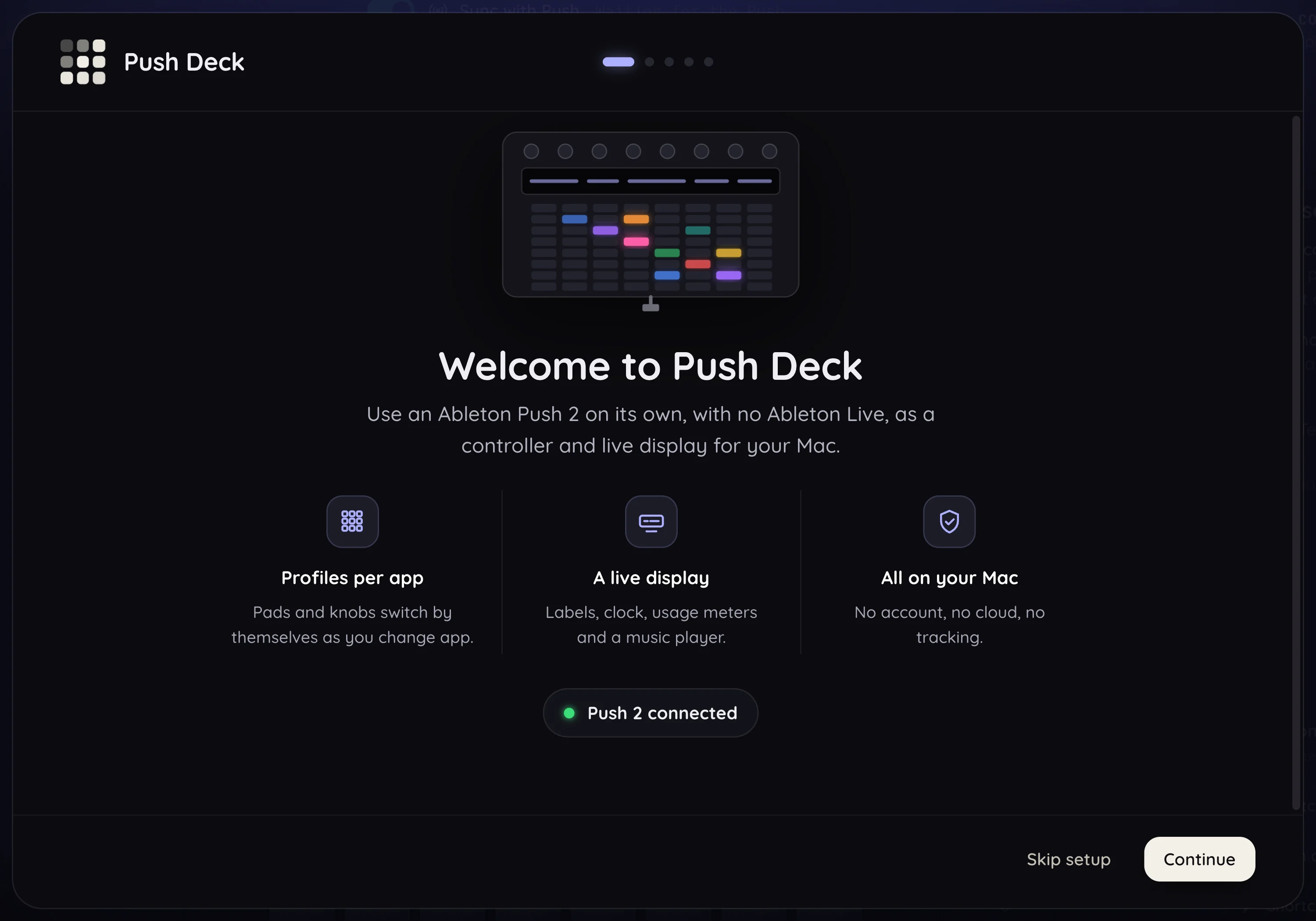
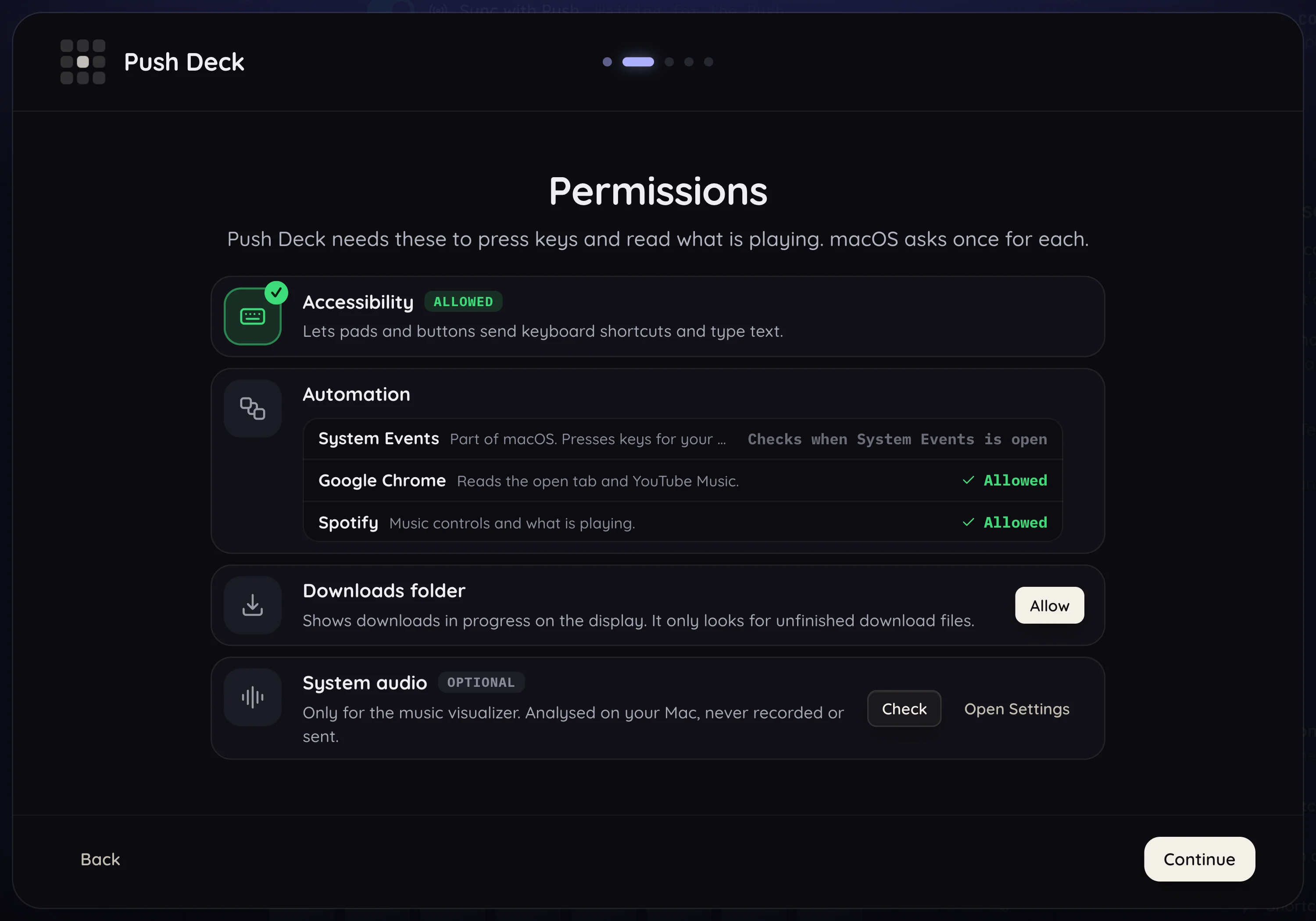
Set up
Say hello, allow two permissions, and you're playing. No account, no sign-up.
Profiles
A live session on the display, with its mascot and usage meters. Pads send the keys you use every day.
Just three samples. Every app can have its own profile: its own pads, its own button lights and its own screen. Switch app and the Push follows.
Menu bar
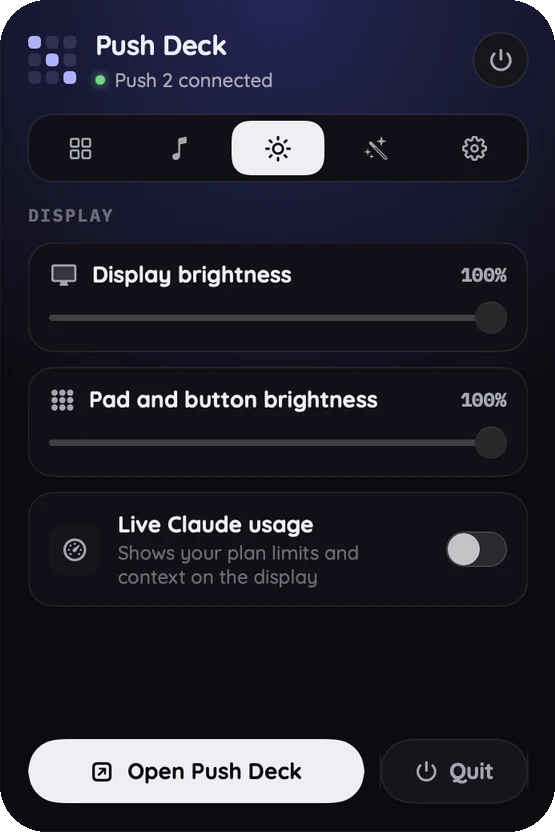
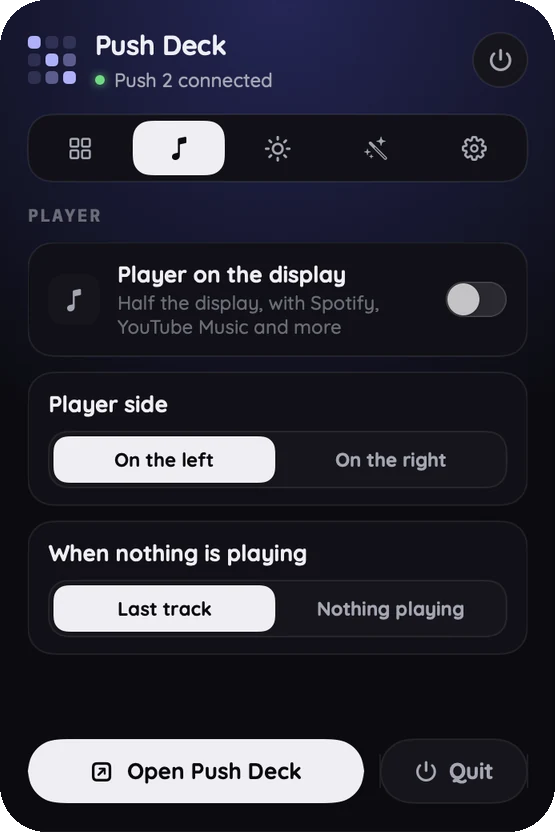
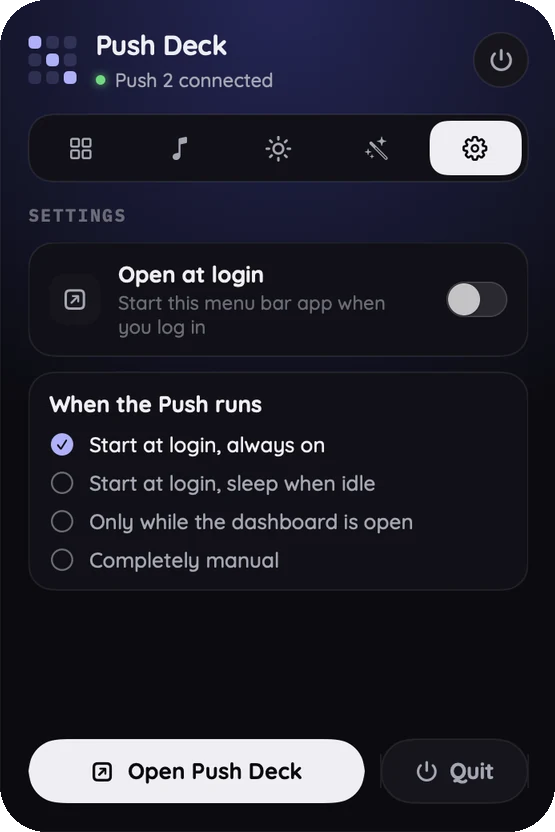
Push Deck lives in your menu bar. Pin a profile, switch the player, set the brightness or turn the Push on and off, without opening anything.
Privacy
Push Deck runs on your Mac and listens on 127.0.0.1 only. No account, no cloud, no tracking: there is no Push Deck server to send anything to.
Saved in the Application Support folder on your Mac. Nothing is uploaded.
Answers on 127.0.0.1 only, so other devices on your network can't reach it.
None. There is nothing to sign up for and nothing to opt out of.
Optional. It asks first, reads the sign-in in memory only, and switches off any time.
Audio is analysed on your Mac and never recorded or sent anywhere.
Only looked at for unfinished download files, to show progress on the display.
* One optional feature touches a login: live Claude usage reads the Claude desktop app's sign-in from the macOS Keychain, in memory only. It asks first and can be switched off at any time.
Install
Downloads the .dmg (from GitHub Releases). Drag Push Deck to Applications.*
brew install --cask arcept/tap/pushdeckInstalls the same app as the .dmg, from the arcept tap.
curl -fsSL https://raw.githubusercontent.com/arcept/pushdeck/main/get.sh | bashChecks the checksum. No security prompt.
* Push Deck is signed ad hoc (no paid Apple Developer ID). A downloaded copy says “unidentified developer” once: right-click the app, choose Open, then Open. The one-line installer avoids this.
FAQ
No. Push Deck talks to the Push 2 directly over USB, so you can use the Push without owning, installing or opening Live. The pads, buttons, knobs and the display are all driven by Push Deck. It is not a Live plug-in and doesn't need Live in any way.
Not yet. Push Deck is built for the Push 2: its USB protocol, its pad grid and its 960×160 display. The original Push and the Push 3 are different hardware, so they are not supported today. The Push 2 hardware notes are in the repository (docs/PUSH2_NOTES.md) if you are curious how it works.
Macs with Apple Silicon, on macOS 13 or newer. The app carries its own Python and helpers, so there is nothing else to install. The music visualizer needs macOS 14.2. There is no Windows or Linux version.
No account, no cloud, no tracking, and no Push Deck server to send anything to. The app listens on 127.0.0.1 only, so other devices on your network can't reach it. One optional feature touches a login: live Claude usage reads the Claude desktop app's sign-in from the macOS Keychain, in memory only. It asks first and can be switched off at any time. The privacy section above lists everything it touches.
Push Deck is signed ad hoc rather than with a paid Apple Developer ID, so macOS shows an “unidentified developer” warning the first time you open a downloaded copy. Right-click the app, choose Open, then Open, and you won't be asked again. The one-line installer checks the download's checksum and avoids the warning.
Yes. A built-in layer of 16 pads (the top-left 4×4 block) snaps and resizes the front window in every profile: halves, quarters, thirds, maximize, centre, full screen, and next or previous display. Switch it on or off globally in Settings, or per profile (Default, On or Off). You can rename and recolour those pads, and put Close window, Minimize window or Full screen on any pad. It needs the Accessibility permission. The layouts are modelled on Rectangle.
Yes. A profile is an app (or a few apps) with its own pad colours, labels and actions: shortcuts, opening apps and links, typing text, running Shortcuts or shell commands, media keys. Drag actions onto the replica in the app window to set them up; any pad can also close, minimize or full-screen the front window. In Auto mode the Push switches to a profile when its app comes to the front; Master keeps one pinned. It starts with profiles for Claude Code, Browser and ChatGPT / Codex.
It is free and open source under the MIT licence, © Arcept. The code is on GitHub and Issues are open for bugs and ideas. Pull requests are by invitation for now. Push Deck is an independent project and isn't affiliated with Ableton.